Marcode
Native Webflow CMS blog rebuild: editorial templates, JSON-LD schema, API-ready publishing.
The Challenge
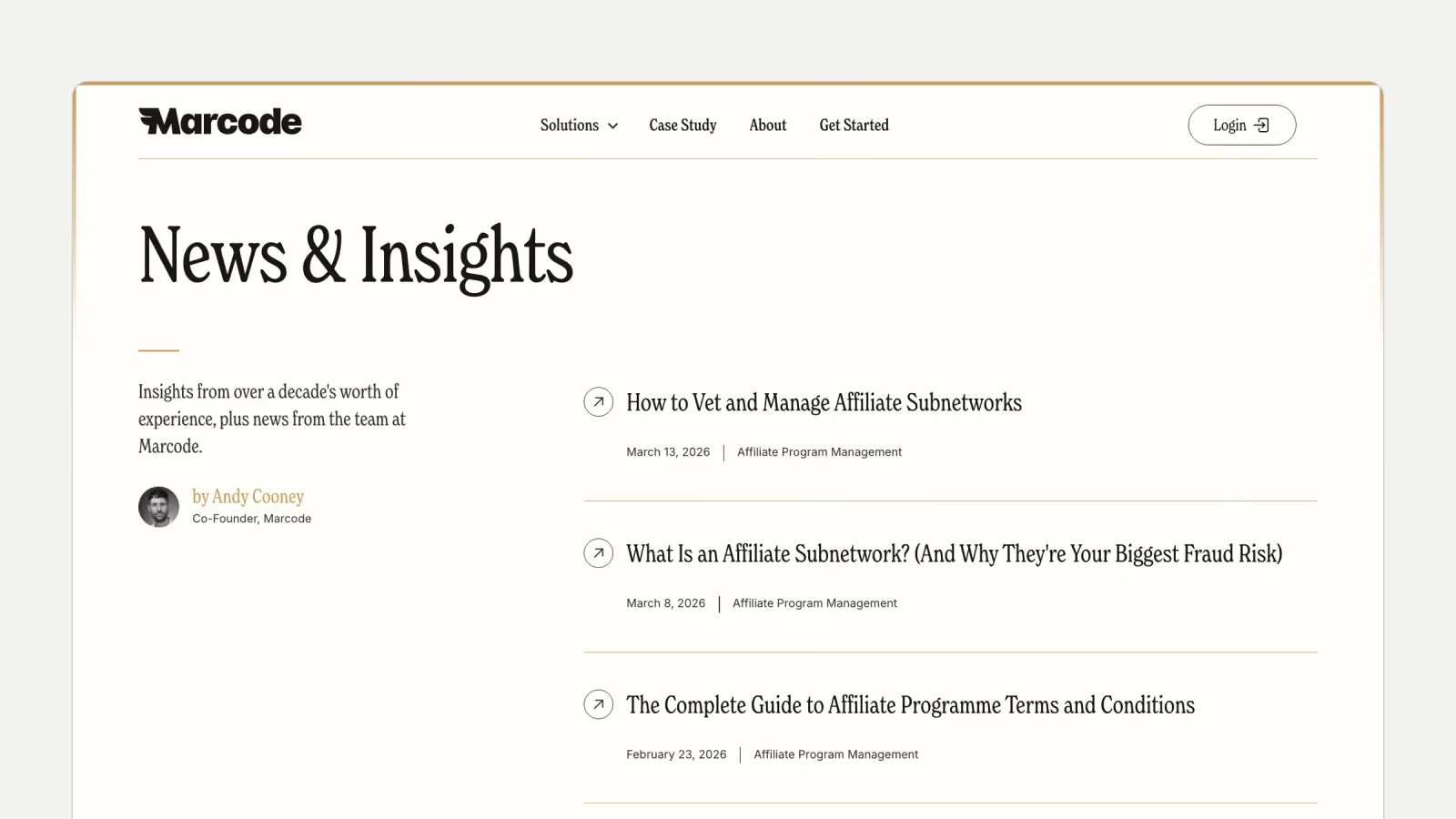
Marcode, an affiliate fraud detection and brand protection platform, runs its marketing site on Webflow and publishes a News and Insights hub. When I picked up the project, that hub lived in an embedded third-party blog tool rather than Webflow's own CMS. Content could not be templated, modeled, or published through the Webflow API, so editorial scaling was blocked.
There were no Authors or Categories collections: bylines and topic groupings were hard-coded. Long-form articles carried no Article or FAQPage schema, leaving FAQ-shaped content invisible to rich results. Outside the blog, heading hierarchy was inconsistent across the homepage, comparison pages, and alternatives pages, a stray z-index caused layout overlap on the homepage, and a crawl surfaced broken links and stray formatting across marketing pages.
What I Shipped
CMS Architecture
Migrated the blog onto native Webflow CMS with three collections: Blog Posts, Authors, and Categories, with Blog Posts referencing both. The News and Insights hub kept its URL, and the migration required no redirects. A CMS-driven Author template now serves author pages without per-person page builds.
Blog Post Template
One long-form template with CMS bindings for title, author, category, hero, body, and FAQs, plus standardised rich-text styling so headings, spacing, media, and code render consistently regardless of who writes the post.
Editorial UX
A sticky table of contents sits under the author block and tracks the active section during scroll, generated from each article's own headings. A related-articles module pulls five posts from CMS, filtered by category so recommendations stay on-topic. CTAs are category-driven: the CTA link lives on the Category rather than the post, so affiliate-topic articles route to the affiliate hijacking solution page and brand bidding articles route to trademark protection, with no hand-wiring per post.
Article FAQs and FAQPage Schema
Each post carries its own FAQs field, rendered as a Q&A section. If a post has no FAQs, the section hides entirely. A per-post script builds matching FAQPage JSON-LD from the rendered FAQ content and injects it at load, only when FAQs exist.
Article Schema
Article JSON-LD ships on every post in the blog's CMS collection, with author, datePublished, and publisher wired to CMS fields so the markup stays in sync with editorial edits. Output was checked in a schema validator and Google's rich results tooling before handoff.
Sitewide SEO and Layout Hygiene
Corrected heading structure across the homepage, comparison pages, alternatives pages, and blog templates: a single H1 per page and no skipped levels, with no visual change. Removed the z-index usage behind the homepage layering bug, and patched the broken links and formatting issues a crawl surfaced within the engagement's scope.
API-Ready Publishing
Delivered the collection and item IDs the team needs for programmatic writes, plus guidance on pulling field slugs from the Webflow API so integrations stay resilient when field labels change.
The Results
The blog now runs entirely on native Webflow CMS: every post shares one template, author pages are collection-driven, and category chips and bylines render from references rather than hard-coded markup. Article JSON-LD is live on every post in the blog collection, and FAQPage JSON-LD renders on every post that carries FAQs. Marketing pages hold a single H1 with clean heading hierarchy. The team can create and publish posts programmatically through the Webflow API using the IDs and field-slug workflow from the handoff. The engagement ran about five weeks, from early March to early April 2026.
Have a Build Like This One?
Thirty minutes, your project on screen. You leave with a scoped plan and a number, whether or not we work together.